ICD
Video transcript
00:04 — ICD
An Interface Control Document pins down every interface between parts of the system — the signals, connectors, protocols and their characteristics. Start a blank ICD and ask the agent to draft it from the board’s boundaries, approving its work. The result is a controlled document that keeps both sides of every interface honest — and it can even be derived straight from a block diagram.
The contract between subsystems — auto-seeded from your block diagram.
What it's for
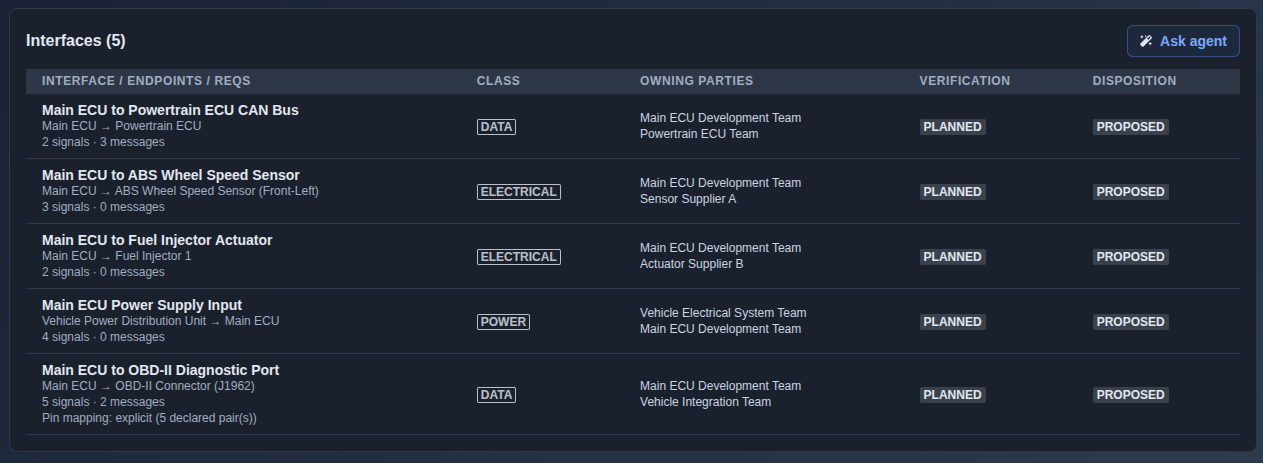
An ICD defines the interfaces between subsystems. Each interface includes its class (electrical, power, data, mechanical, thermal, fluid, RF, human, or software), source and target endpoints, owning parties, verification status, disposition, linked requirements, and nested signals or messages. It also supports deriving interface stubs directly from a Block Diagram.
When to use it
Once the architecture is defined and subsystems need to establish, document, and manage their interface boundaries.
How it works
-
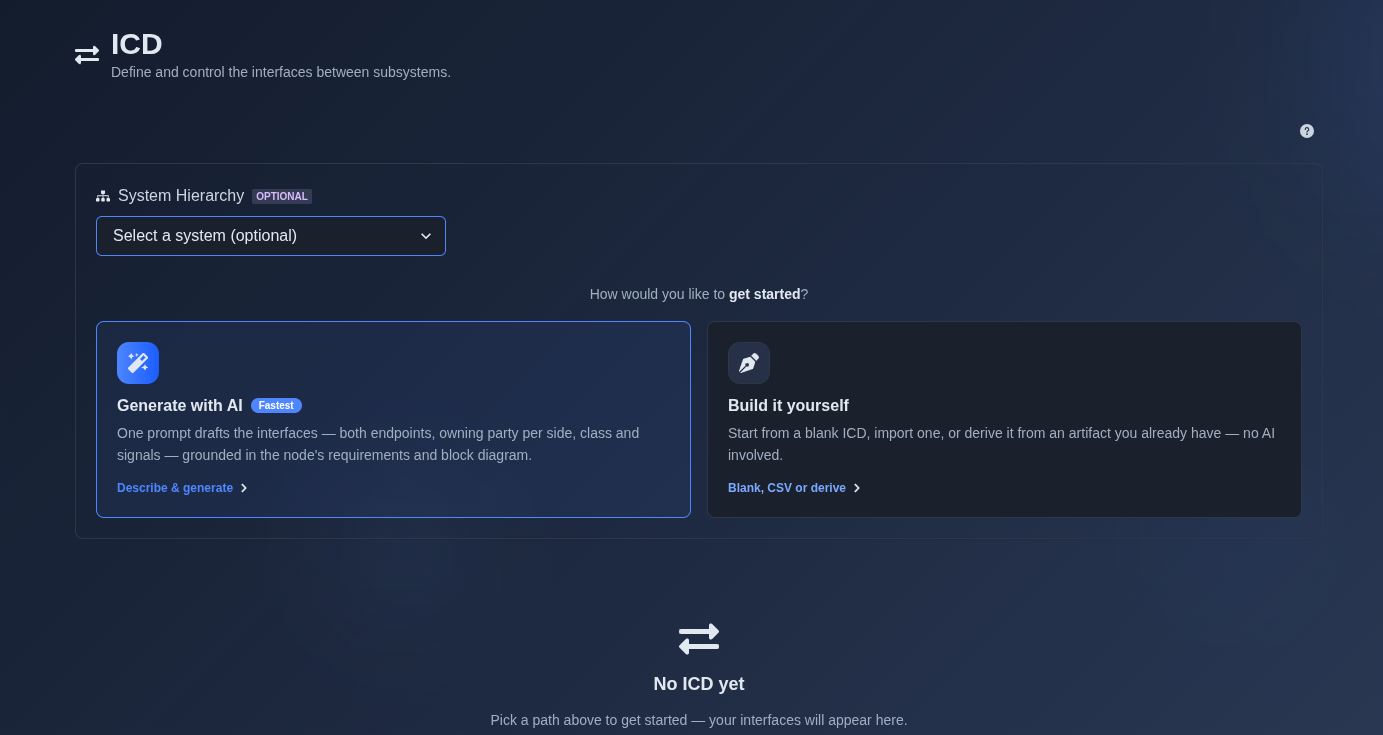
Generate with AI or build it yourself. → Select “Generate with AI” or “Build it yourself.” If “Generate with AI” is selected, provide a prompt describing the interfaces you want to document, including the systems involved, interaction scope, and relevant interface details. The AI uses the prompt and available context to generate the ICD. If “Build it yourself” is selected, choose the available starting option, such as creating a blank document, importing from CSV, deriving from a Block Diagram, or extracting from a document, and then create the ICD manually.
▶ Initial State▼ Initial State
-
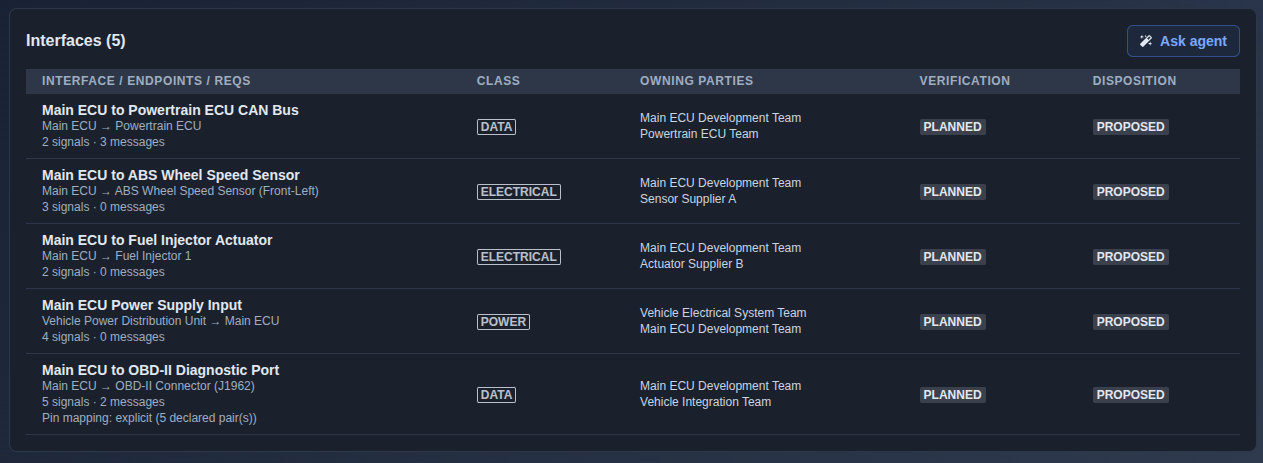
Review the AI-generated interfaces. → Review the generated interface entries, including the interface or endpoint name, connected endpoints, number of signals and messages, interface class, owning parties, verification status, and disposition. Use the interface details to understand the connections and communication requirements between the participating system components.
▶ Review Interface▼ Review Interface
-
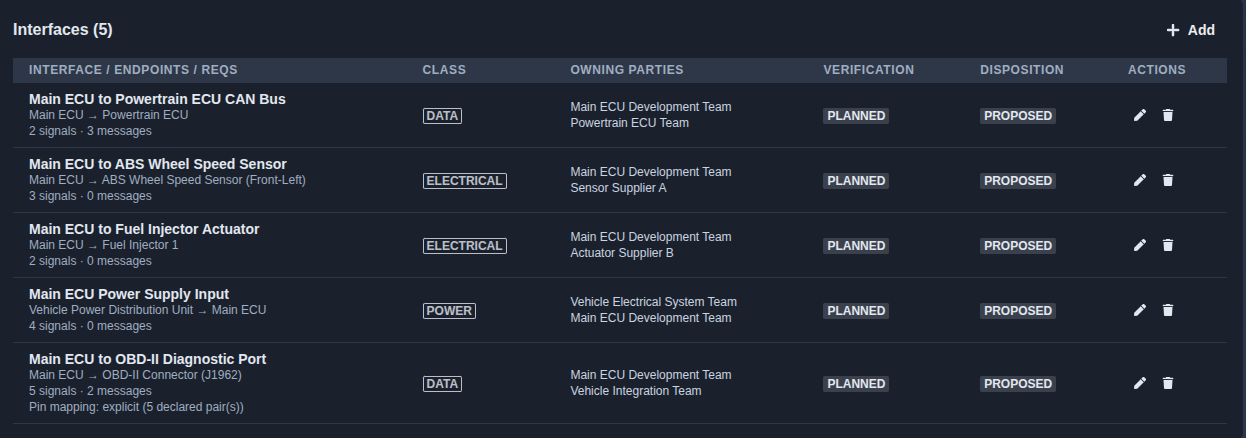
Add, edit, or delete an interface definition. → Add new interface definitions, edit existing interface details, or delete interfaces that are no longer required. For AI-generated ICDs, use Follow-on mode to perform these changes through a prompt; for manually created ICDs, make the changes directly in the document editor.
▶ Edit Interface▼ Edit Interface
-
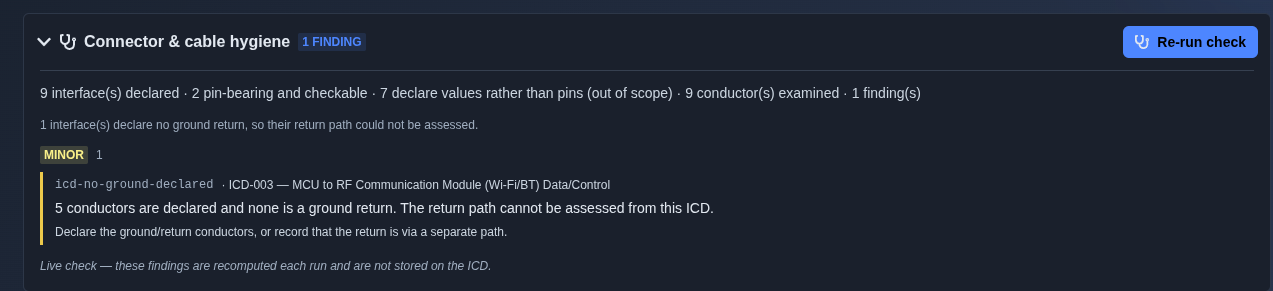
Run the ICD hygiene check. → Click “Run Hygiene Check” to analyze the ICD for connector and cable hygiene issues. The check examines the declared interfaces, pins, and conductors, then displays findings with severity indicators, issue details, and recommended corrective actions. The check is recomputed each time it is run and does not automatically modify the ICD.
▶ Run Hygiene Check▼ Run Hygiene Check
-
Export the ICD. → Click “Export” to export the ICD in the available formats, such as PDF, stamped PDF, CSV, or JSON. The CSV export contains one row per signal and can be imported back into the ICD.
▶ Export ICD▼ Export ICD

Mechanics
- Interfaces table with class, owning parties, verification, and disposition
- Nested signals/messages per interface
- Derive interface stubs from a Block Diagram
- Add, edit, and delete interfaces/signals
- Per-row inline editing · CSV import (row-per-signal)
- Follow-on · merge · revisions · review · VCRM link resolution