SEMP
Video transcript
00:04 — SEMP
A Systems Engineering Management Plan sets out how the engineering will actually run — the technical processes, the reviews and gates, the roles and the tools. Start a blank SEMP and let the agent draft it in the standard shape, approving its work. A document that usually takes weeks of committee work starts as a structured draft you tailor to your program.
How systems engineering is actually run on this program.
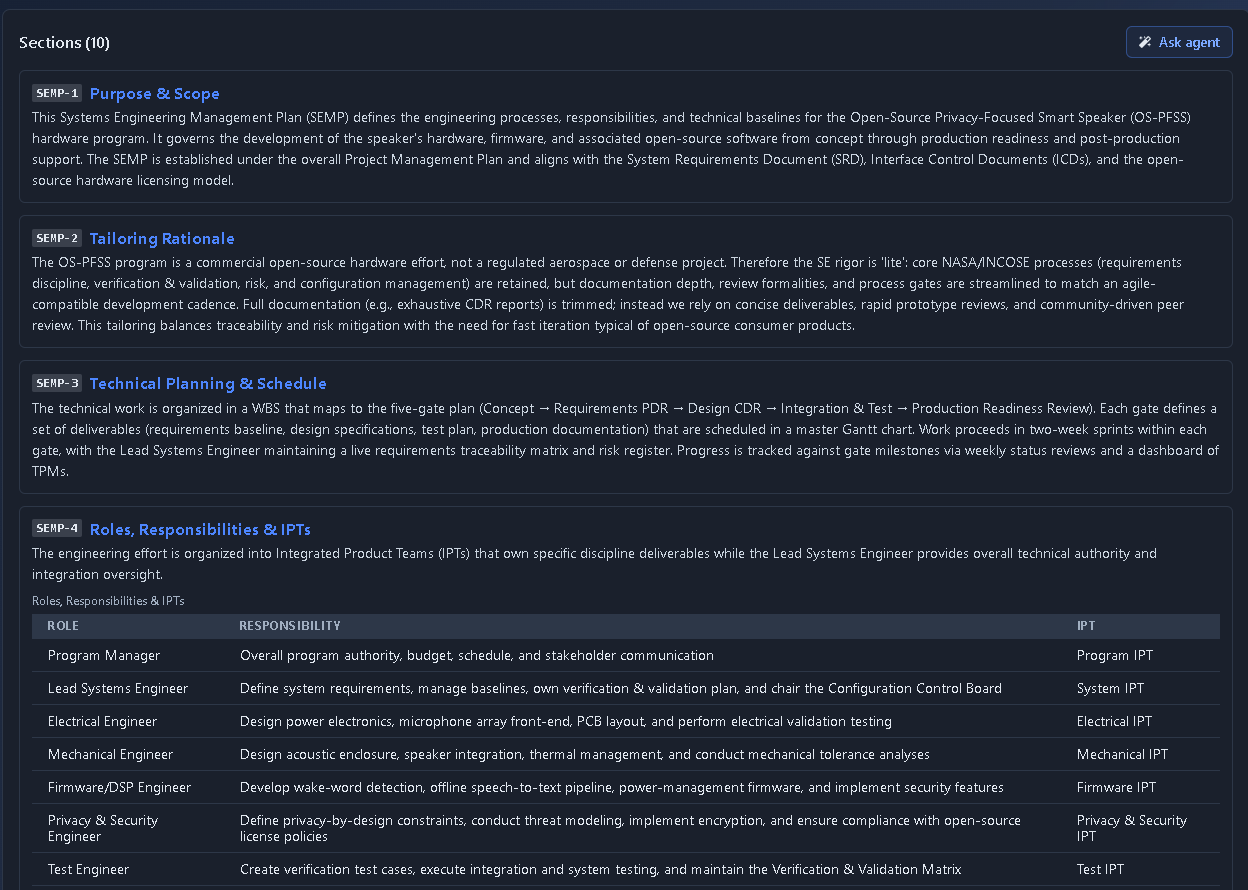
What it's for
The governing document for program-level systems engineering management — covering tailoring rationale, roles and IPTs, review gates, V&V approach, TPMs, risk management, and configuration management. A controlled document organized as a section spine, with embedded sub-tables for Roles/Responsibilities/IPTs, the Review & Gate Plan, and Technical Performance Measures.
When to use it
Use SEMP at program setup and whenever the systems engineering process, responsibilities, review gates, or program milestones change.
How it works
-
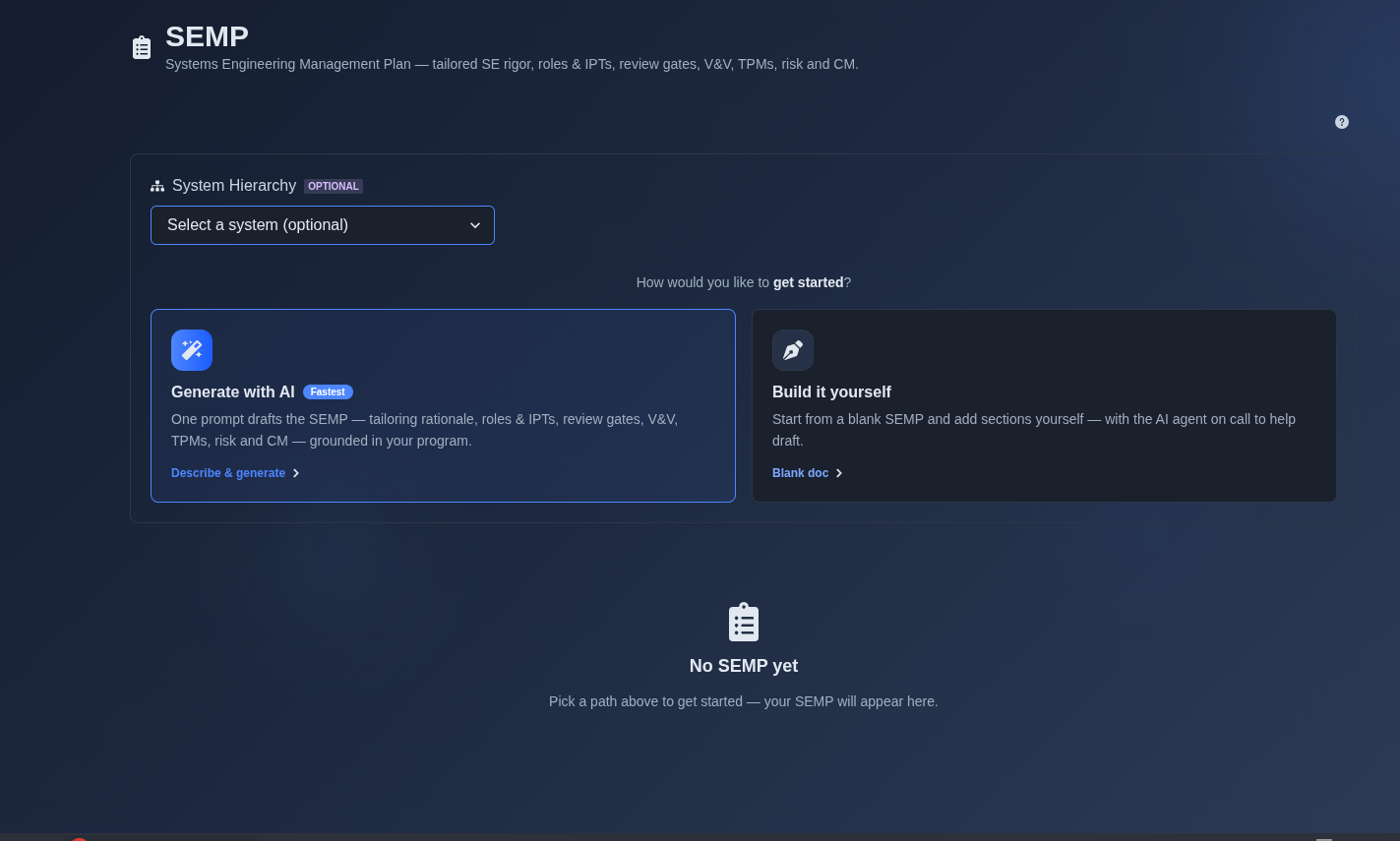
Generate with AI or build it yourself. → Select “Generate with AI” or “Build it yourself.” If “Generate with AI” is selected, enter a prompt describing the project or system for which you want to create a Systems Engineering Management Plan (SEMP). If “Build it yourself” is selected, choose “Create a blank document” to start with an empty SEMP and add the sections manually.
▶ Initial state▼ Initial state
-
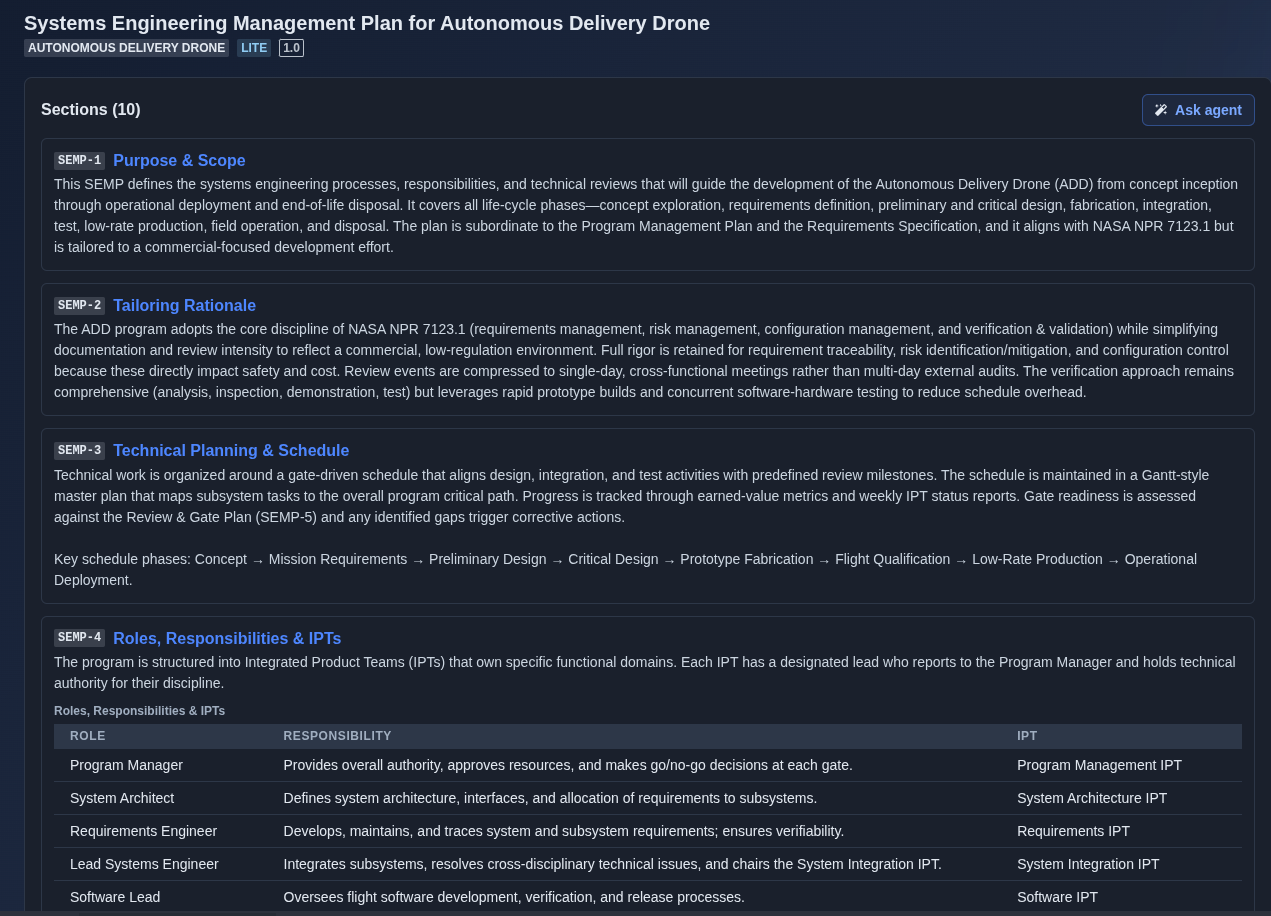
Review the AI-generated SEMP. → Review the generated SEMP across its ten sections: Purpose & Scope, Tailoring Rationale, Technical Planning & Schedule, Roles, Responsibilities & IPTs, Review & Gate Plan, Verification & Validation Approach, Technical Performance Measures, Risk Management Approach, Configuration Management Approach, and Human Systems Integration.
▶ AI Generated SEMP▼ AI Generated SEMP
-
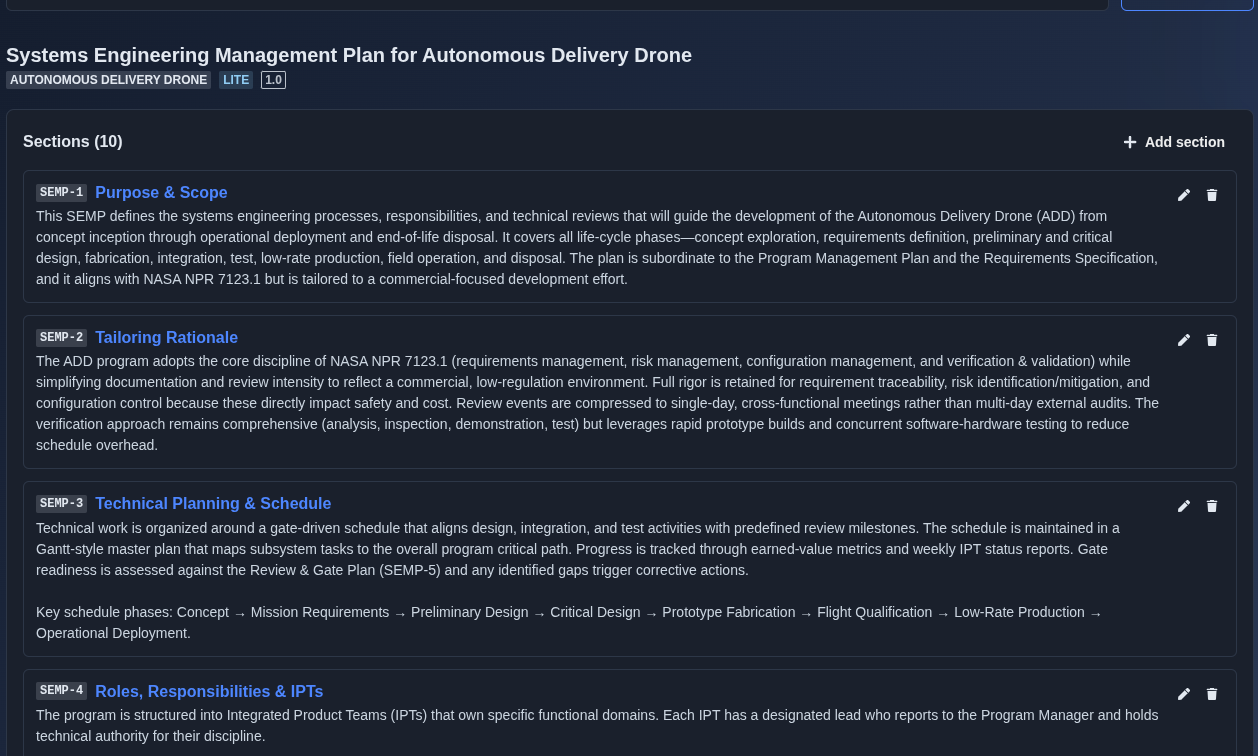
Add, edit, or delete sections. → For AI-generated SEMP, Add, Edit, and Delete are disabled in the main prompt view and become available only in the follow-on prompt view. For manually created SEMP, Add, Edit, and Delete are available directly in the main document view.
▶ Add, edit, or delete▼ Add, edit, or delete
-
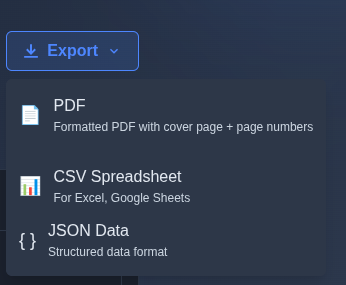
Export the SEMP. → Click “Export” and select the required output format: “PDF”, “CSV Spreadsheet”, or “JSON Data”.
▶ Export the SEMP▼ Export the SEMP
Mechanics
- Sectioned controlled document
- Embedded sub-tables: Roles & IPTs · Review & Gate Plan · TPMs
- Per-section Add · Edit · Delete controls
- Per-section “Ask agent”
- AI-generated editing through follow-on prompts
- Manual creation with direct section editing
- Follow-on · merge · review · baseline · Document Info
- Export: PDF · CSV Spreadsheet · JSON Data